
How to use – quick overview video guide
For further details check out the tutorials below. You can also refer to documentation on specific topics and FAQs for questions.
Step-by-step text & video tutorials
WooCommerce product table layout tutorial
- Create table with preset
- Change the table columns
- Modify table navigation
- Customize table styling
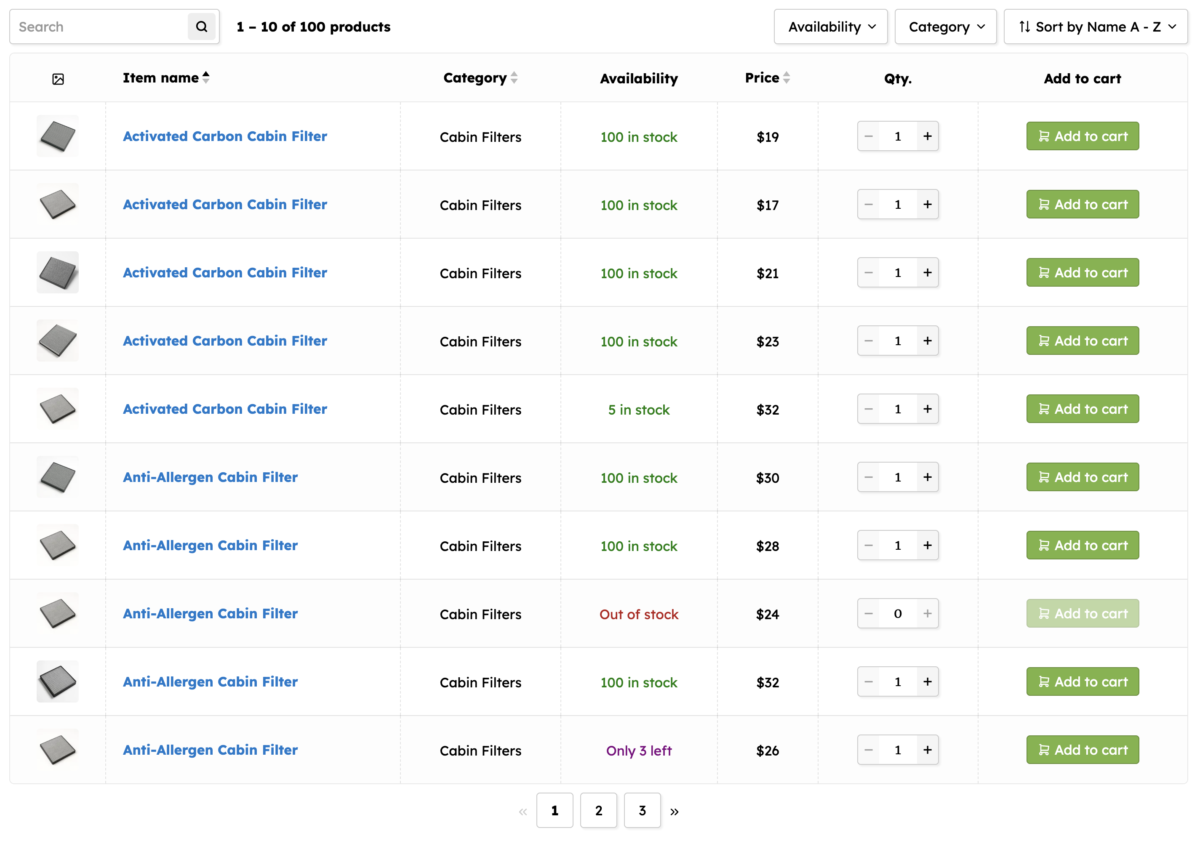
WooCommerce product ‘List’ layout tutorial
- Create a layout that looks like a product list instead of strict table
- Add multiple rows within the columns
- Add a mobile friendly layout as well

Navigation UI tutorial
- Customize navigation elements
- Create a left navigation sidebar
- Responsive navigation for phones

Basics tutorial 1/2 [OLD]
- Create columns and add elements to them
- Make the table responsive – mobile friendly
![Basics tutorial 1/2 [OLD]](https://wcproducttable.com/wp-content/uploads/2018/08/2018-09-21_07-32-18.png)
Basics tutorial 2/2 [OLD]
- Create attribute and custom field columns
- Add an AJAX add to cart button
![Basics tutorial 2/2 [OLD]](https://wcproducttable.com/wp-content/uploads/2018/08/2018-09-21_07-37-38.png)