
Add a ‘Download CSV’ button to WooCommerce Product Table
Allow your prospective customers to download the product data in a CSV file making the purchase decision more convenient for them. You can control the list of product properties that will be downloaded.

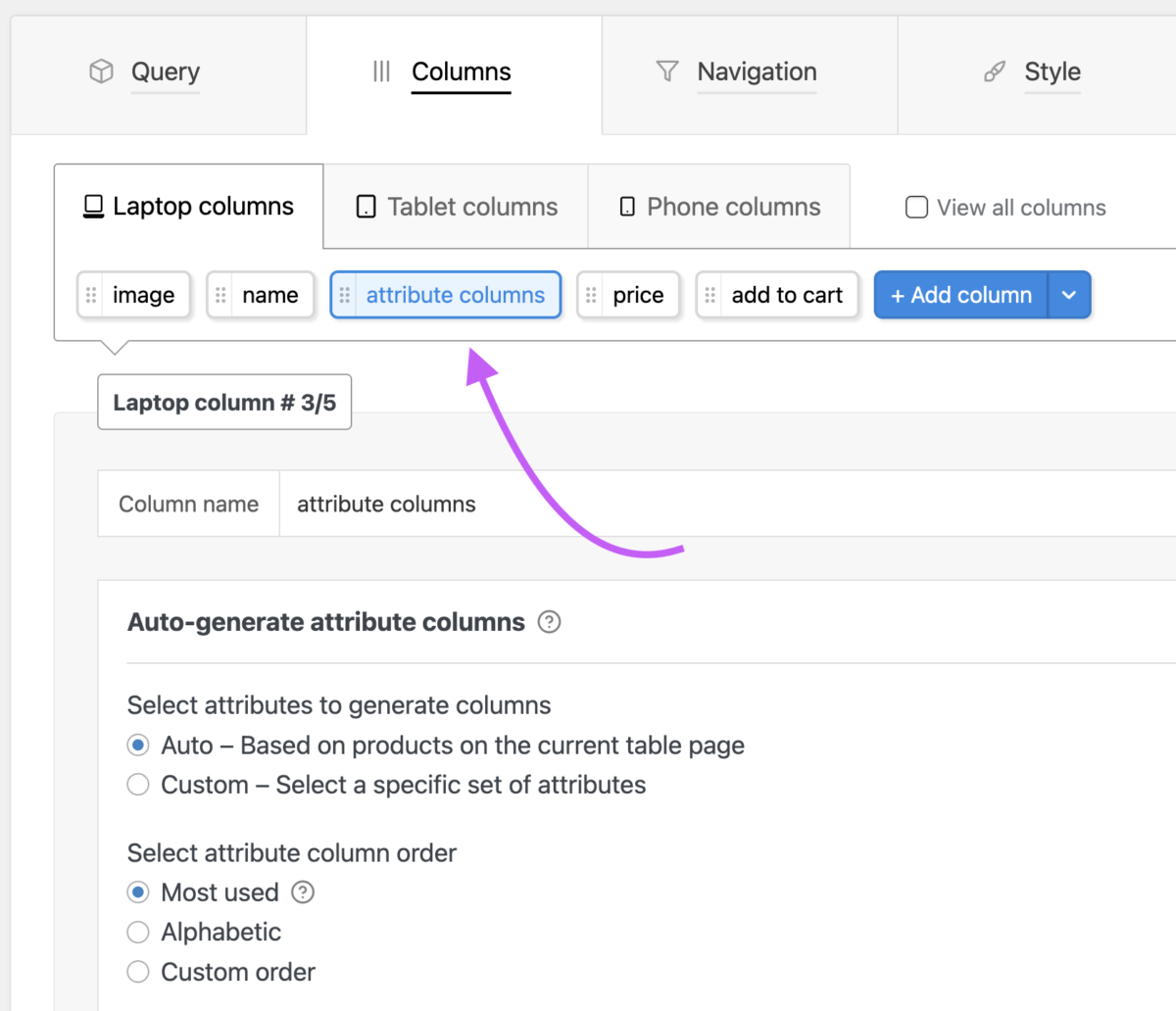
Adding ‘attribute columns’ in your WooCommerce product table
We’ll cover how woocommerce attributes are useful for us, how we can set them up for our shop products, and add display these product attributes in our WooCommerce product tables.
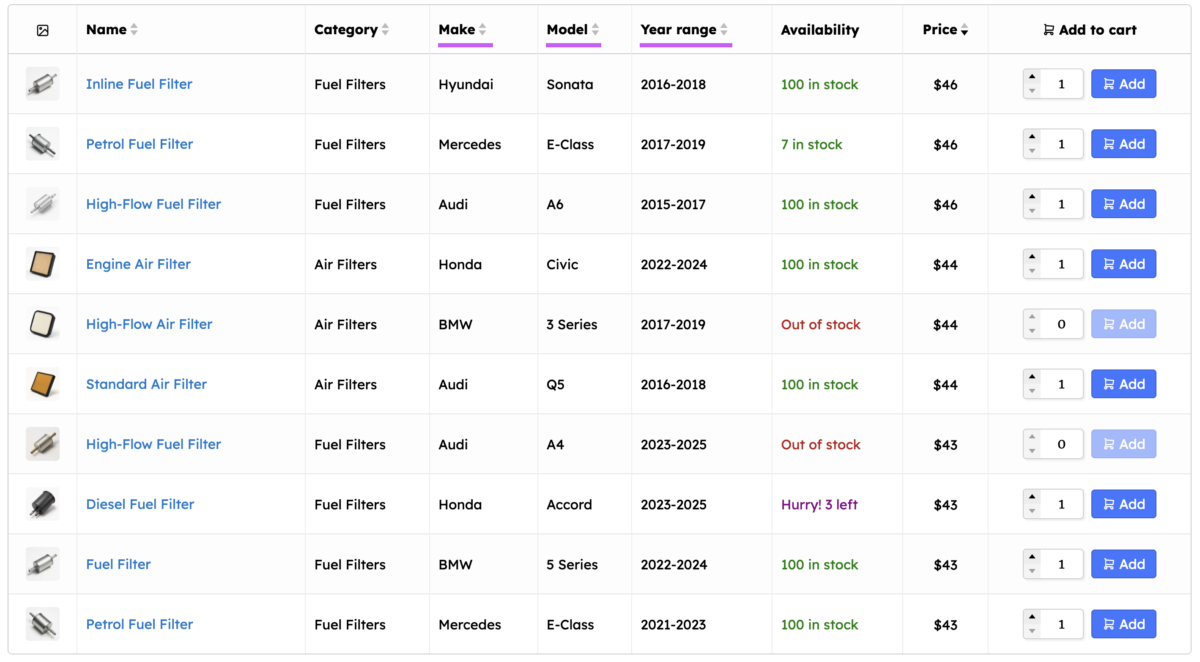
Auto hide empty product table columns
Automatically hide the product table columns that are not related to the set of products printed in the product table. Helps you re-use the same table as a template to show different sets of products.

Changing the text in the product table and translation support
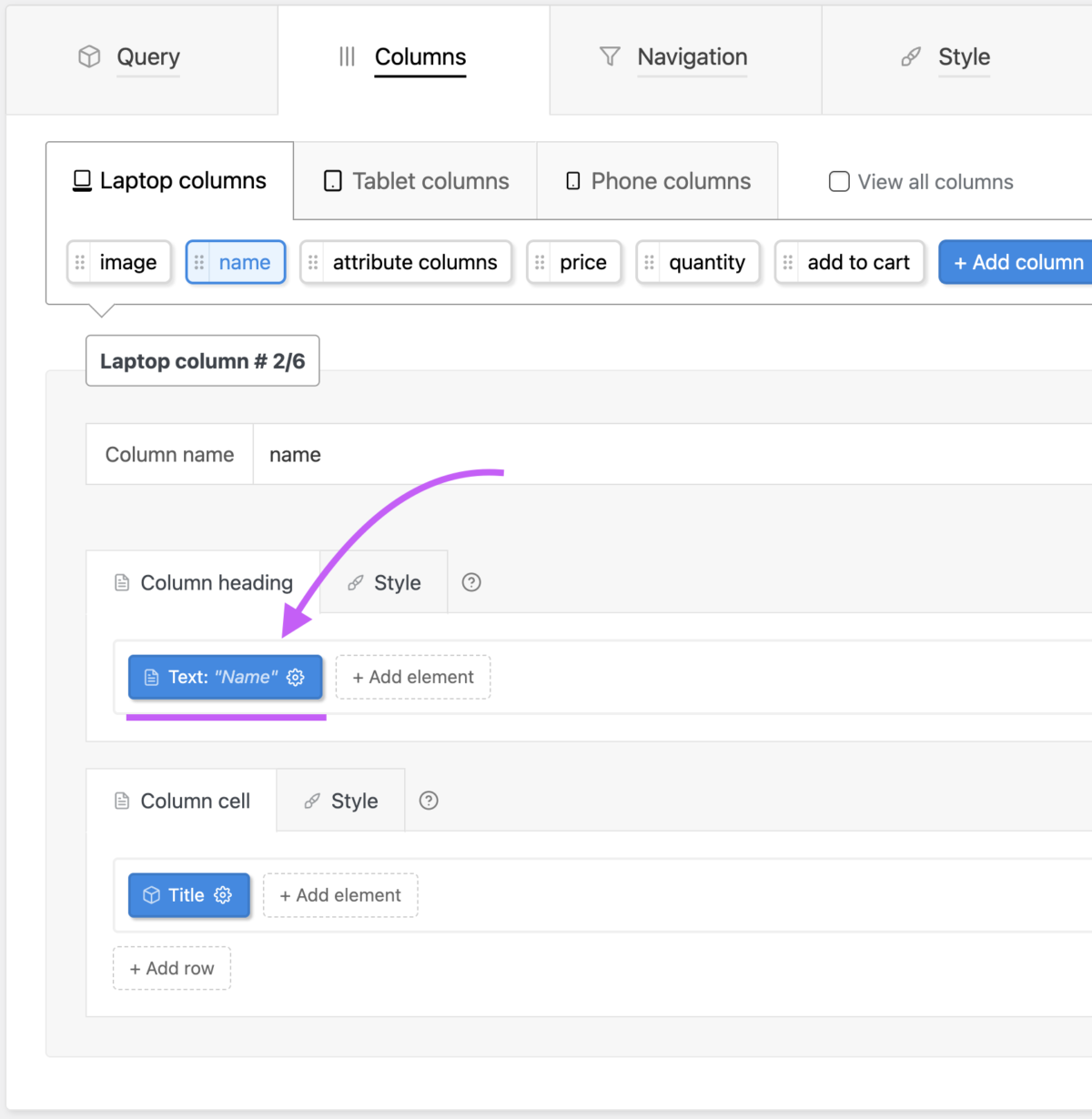
All the text in the product table/list layout can be changed including the column headings, filter labels, result count text etc. These can be changed in the table’s settings or the global plugin settings.
Create a ‘Child Row’ in your woocommerce product table
The child row facility let’s you show additional product information in a separate child row below the main product row when visitor clicks a toggle button.

Create a ‘Download button’ for product files like PDF in your table
If you have any kind of downloadable files attached to your product tables you can provide buttons in your product table to allow shoppers to download these files. Works for all file types — .zip .pdf .mp3 etc.

Create a WooCommerce variation table and show variations in separate rows of the table
You can create a separate table to show the variations of a variable product — one variation per row. This makes it easy for shoppers to find the variations they want. You can also automatically place the variation table on variable product pages.

Create mobile responsive woocommerce product table
Create product tables that are as convenient to use on phones as laptops. Make it easy for your prospective customers to browse and purchase products from their phones.

Customize the ‘Search’ facility in your product table
Using the powerful search customization options in the plugin you can make it much easier for shoppers to find products they want. Add keyword weightage rules, global search widget and more.

Developer API
API for developers to modify the plugin output. Contains PHP filters and JavaScript events. Programmatically control the product query and modify table elements before they are printed.

Form mode — show table navigation as a form on separate page
You can create a form on any page where visitors can select navigation filter values. When they submit the form, the will be redirected to the shop page where the filters will be applied.

Freeze table columns and heading row
You can make the product table heading sticky / freeze it in place as the visitor scrolls the page. You can also make any number of columns at the sides of the table sticky using the product table plugin’s shortcode options. Check out our spare parts product table demo where the table heading has been … Continue reading “Freeze table columns and heading row”

How to duplicate woocommerce product attribute to custom field?
Using WooCommerce Product Table PRO’s range slider facility is only possible with custom fields, not attributes. In this doc we will cover convenient ways to quickly duplicate attributes to custom fields on your site.

How to edit a WooCommerce product table?
Quick guide to help you edit product tables. It covers the most common changes without requiring you to read the full documentation first.
How to reduce WooCommerce product tables/lists on your site (and save time and work)
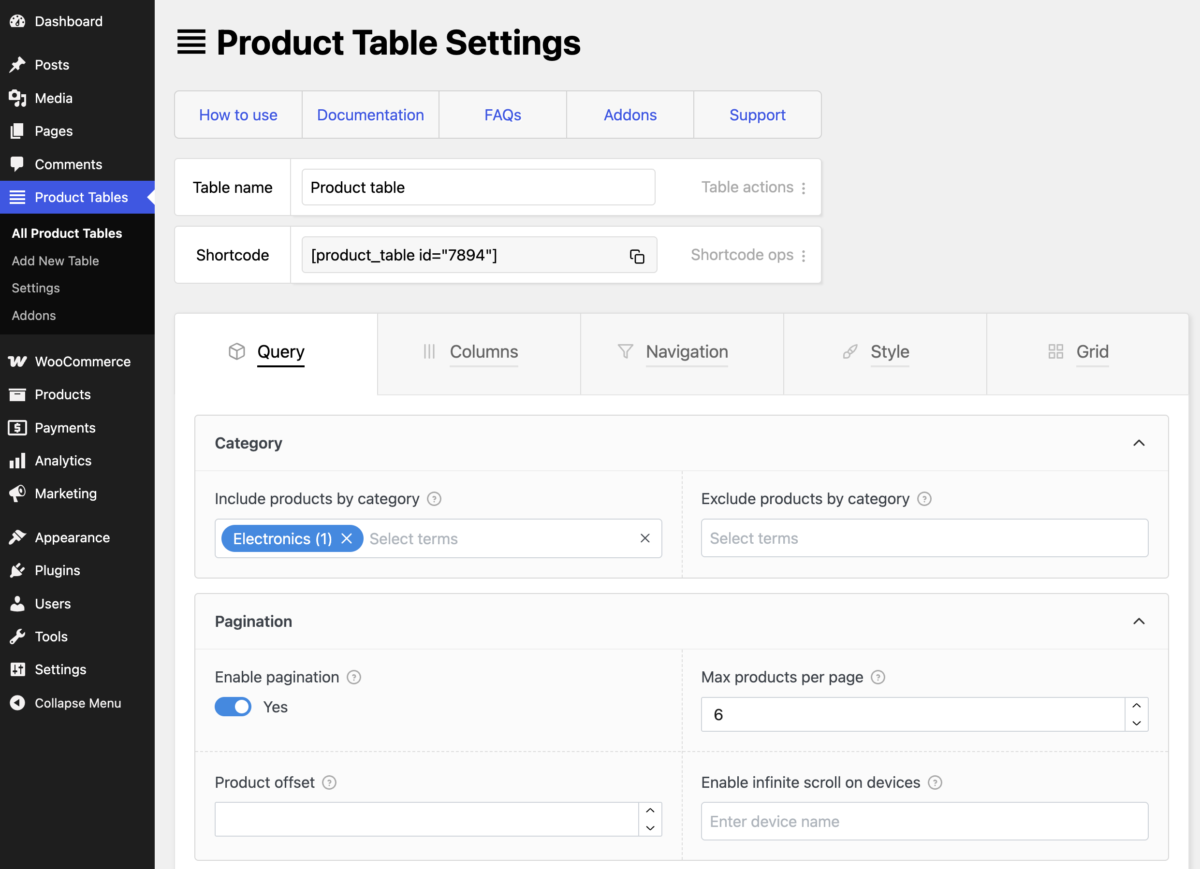
You don’t need to create a new product table each time you need to show a different set of products. We provide smart facilities to help you reduce the number of tables on your site and save time and work.
Provide an option to select variations for variable products in the table
For variable products provide shoppers the option to select variation via dropdowns and radio buttons. You can also show variations in a separate table of their own.

Range slider filters for Custom Field and Price
The multi-range slider available for custom field and price filters (PRO facility) makes it convenient for site visitors to select several numeric options in one go. There is a workaround for attribute filters as well.

Shortcode options to modify the table query on the fly
Save time and effort by creating fewer tables for your site — (1) modify product query through the shortcode options (2) create a master table and toggle its columns through the shortcode. And discover other features controlled only by shortcode options.

Show ‘ToolTip’ in the table columns and navigation with more details
The ToolTip element offers excellent potential to improve your table presentation! This doc includes element introduction, benefits, style tips and special notes.

Show category/attributes with icons, images, tooltips in table
Make your product tables much easier to grasp at a glance and visually appealing with the ability to show your category and attribute terms with icons, images, tooltips and altered text. Simple way to vastly improve your tables!

Show sorting icons in column headings
Add sorting icons in your product table column headings to allow shoppers sort the products in the table by clicking them. Products can be sorted based on any product property — making it easy for shoppers to compared and find products they want.

Show woocommerce product table on Elementor shop page
Simple setup guide to replace the default Elementor shop page product grid with a WCPT PRO custom product table. Works with any WordPress page builder plugin.

Show your product tables on WooCommerce shop pages automatically
You can replace the default product grid on your woocommerce archive pages—shop, category, attribute, search and tag pages—with any product tables of your choice.

Style tips — cover special cases for complete control over table design
The table editor UI provides granular and intuitive control over the design of your table elements. Here we cover some tips and tricks for special cases to ensure you have complete control over the table styling.

Use import / export facility to transfer your tables between sites
With this facility you can transfer your tables and global settings from your staging site to your production site or carry your carefully crafted tables to your next project.
